
Badge Issued. Digital Access Ready.
Give employees Day 1 access with the badge they already carry. Credenti connects your physical access control system (PACS) with automated badge enrollment for passwordless computer login—helping employees get to work without a separate manual enrollment step.
Keep badge access aligned with the employee lifecycle, from initial issuance to replacement, temporary use, and offboarding.
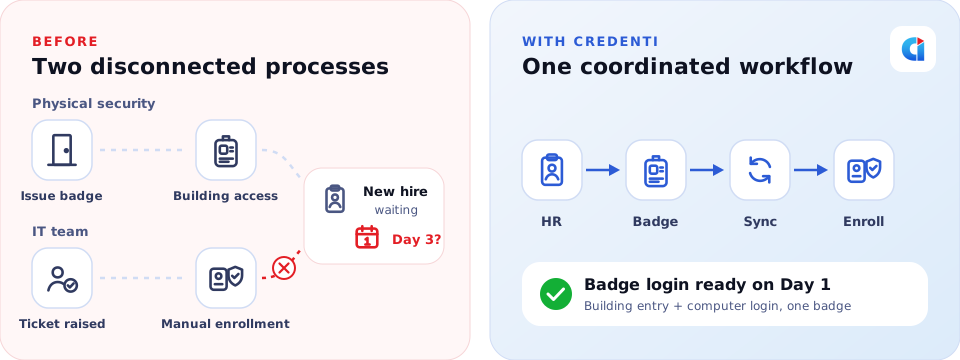
Make Badge Issuance Part of Digital Onboarding
New employees need access to both the workplace and the systems they use. Separate badge issuance and computer-login enrollment processes create extra work for IT, physical security, and employees.
Credenti connects these processes. When a compatible badge is assigned and its information reaches Credenti through the configured integration, Credenti automatically associates it with the employee for supported computer authentication.
The result: a coordinated onboarding workflow designed to make badge-based digital access ready on Day 1.
One badge for building entry and computer login, with permissions managed by the appropriate access policies.
From New Hire to First Badge Login

Create the employee identity
Your HR system initiates onboarding, and your existing identity provisioning and governance workflows create the required enterprise accounts.

Issue the employee badge
Your PACS or credential-management system assigns a badge and associates it with the employee.

Synchronize identity and badge information
The configured integration makes the badge assignment available to Credenti through a designated Active Directory attribute or a database-to-SCIM provisioning workflow.

Automatically enroll the badge
Credenti associates the compatible badge with the employee’s identity, preparing it for supported workstation authentication.

Tap to access the workstation
The employee presents their badge at a compatible reader. Credenti authenticates the employee according to the configured access policy, including any required additional factor.
HR onboarding → Identity provisioning → Badge issuance → Synchronization → Credenti enrollment → Badge login
Four Integration Paths. One Coordinated Badge Lifecycle.
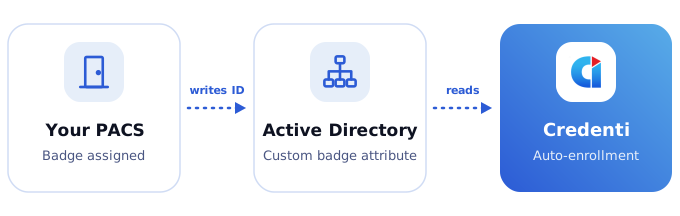
Synchronize Through Active Directory
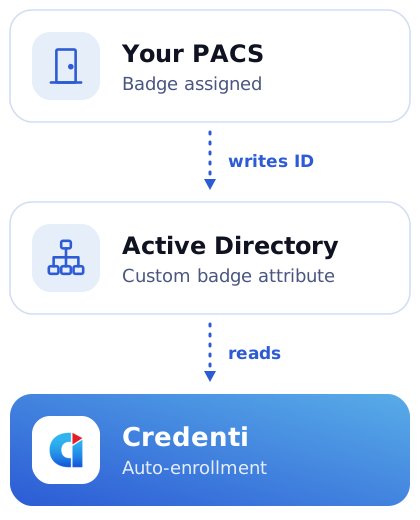
Use badge information maintained in your existing directory. Your PACS integration writes the employee’s badge identifier to a designated custom Active Directory attribute. Credenti uses that attribute to automatically associate the credential with the correct employee.
This approach fits organizations that already synchronize badge information into AD or want to use the directory as the connection between physical credential management and computer authentication.
PACS → Custom AD badge attribute → Credenti
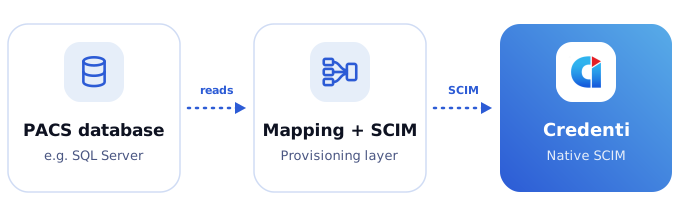
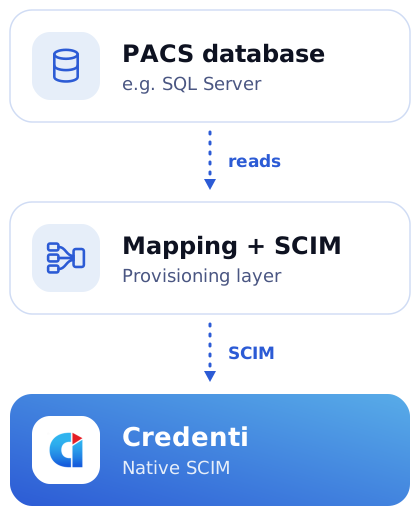
Connect Your PACS Database Through SCIM
Use badge records available in a supported PACS database. For deployments using a relational database such as Microsoft SQL Server, a database integration and provisioning layer reads relevant employee and badge records, maps the required information, and sends supported updates to Credenti through its native SCIM interface.
This provides an alternative when badge information is available in the PACS database instead of an AD attribute.
PACS database → Data mapping and SCIM provisioning → Credenti
For either approach, the deployment defines employee matching, badge identifiers, synchronization timing, and the lifecycle events that trigger enrollment changes.
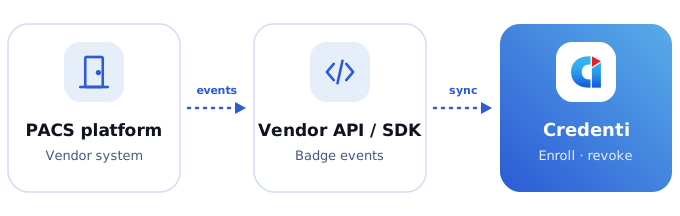
Integrate Through Vendor APIs or SDKs
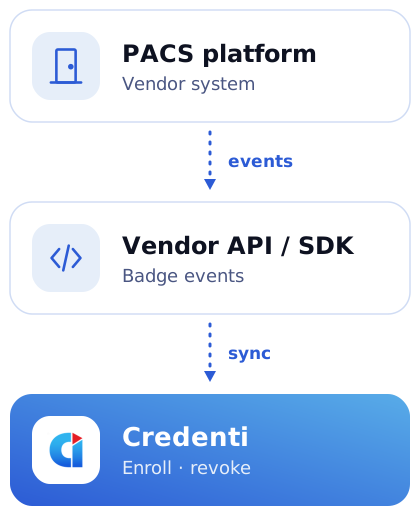
Connect Credenti using APIs or SDKs supported by your PACS vendor. The integration retrieves employee badge assignments and communicates supported lifecycle changes to automate enrollment and removal.
Available workflows depend on the vendor interface and may include badge issuance, replacement, credential status changes, and revocation.
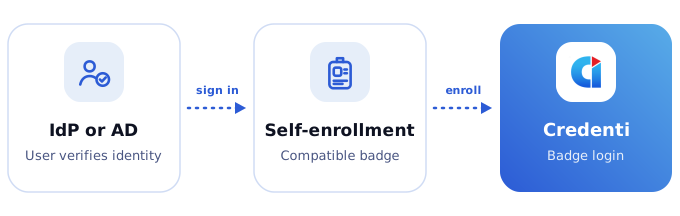
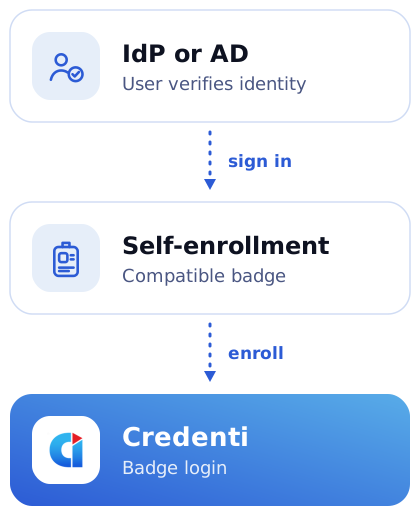
Get Started Quickly with Self-Service Badge Enrollment
Enable badge login without integrating your PACS. Employees authenticate with their supported identity provider or Active Directory to verify their identity, then enroll a compatible badge for computer access.
Credenti’s enrollment controls let you offer this option to selected users, making it easy to start with a specific team or deployment group.
When a user is disabled in the connected AD or identity provider, Credenti automatically revokes their badge enrollment, preventing further badge-based computer login once the account-status change takes effect in the deployment.
Authenticate with IdP or AD → Enroll a compatible badge → Use badge login
Account disabled in AD or IdP → Badge enrollment automatically revoked
Keep Access Aligned as Badges and Employees Change
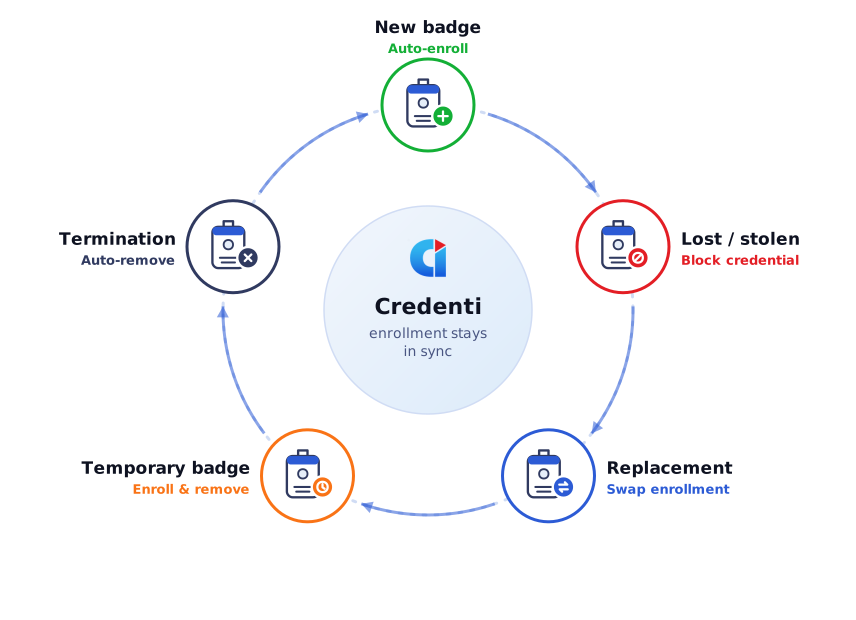
Badge management continues after the first day. Credenti supports workflows that keep computer-authentication enrollment aligned with credential changes and employee status.
Changes take effect according to the integration’s synchronization and enforcement behavior, including endpoint connectivity. Physical-access changes remain governed by your PACS processes.

New employee or newly issued badge
Automatically enroll the compatible badge when the employee’s identity and badge assignment reach Credenti.

Lost or stolen badge
Block the affected credential for computer authentication through the configured lost-badge process.

Replacement badge
Associate the replacement with the employee and remove the previous enrollment through the configured workflow.

Temporary badge
Support enrollment and removal as part of your temporary badge issuance and return process.

Employee termination
Automatically remove badge enrollment when the configured offboarding process communicates the termination event.
Less Administration. A Better First-Day Experience.

Prepare employees for Day 1
Connect badge enrollment to onboarding so employees can use their assigned credentials for supported workstation access.

Reduce duplicate enrollment work
Reuse identity and badge information already maintained by your organization instead of requiring a separate manual association for every employee.

Coordinate IT and physical security
Establish a defined process for communicating badge issuance, changes, and removal across the teams responsible for employee access.

Simplify badge replacement and temporary access
Handle credential changes through consistent workflows while keeping each badge associated with the appropriate employee.

Support timely offboarding
Make badge enrollment removal part of the employee termination process, alongside account deactivation and physical-access changes.
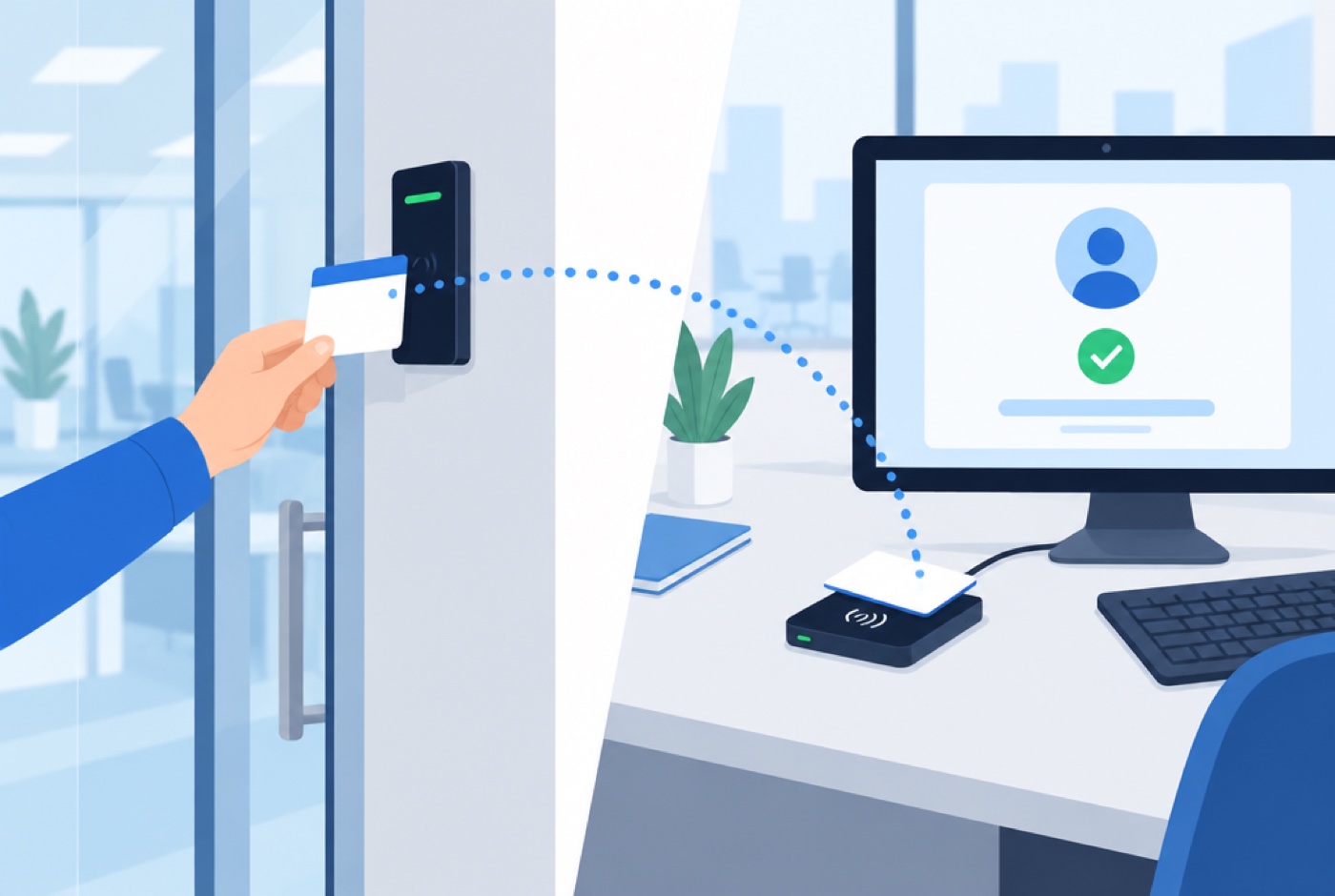
Extend Your Existing Badge Infrastructure
Credenti works with your existing identity and badge-management processes to enable computer authentication with compatible credentials.
Your PACS continues to determine which buildings and rooms an employee may enter. Your enterprise identity and computer-access policies determine which workstations and digital resources they may use.
With Credenti Tap, compatible employee badges can enable authentication at supported workstations. Available workflows depend on the badge, reader, operating system, and deployment configuration.
Works With the Badges and Readers You Already Have
No proprietary Credenti hardware required. See full compatibility list →

Proximity badges
HID Prox, AWID, Indala
Contactless smart badges
iCLASS, Seos, MIFARE, DESFire
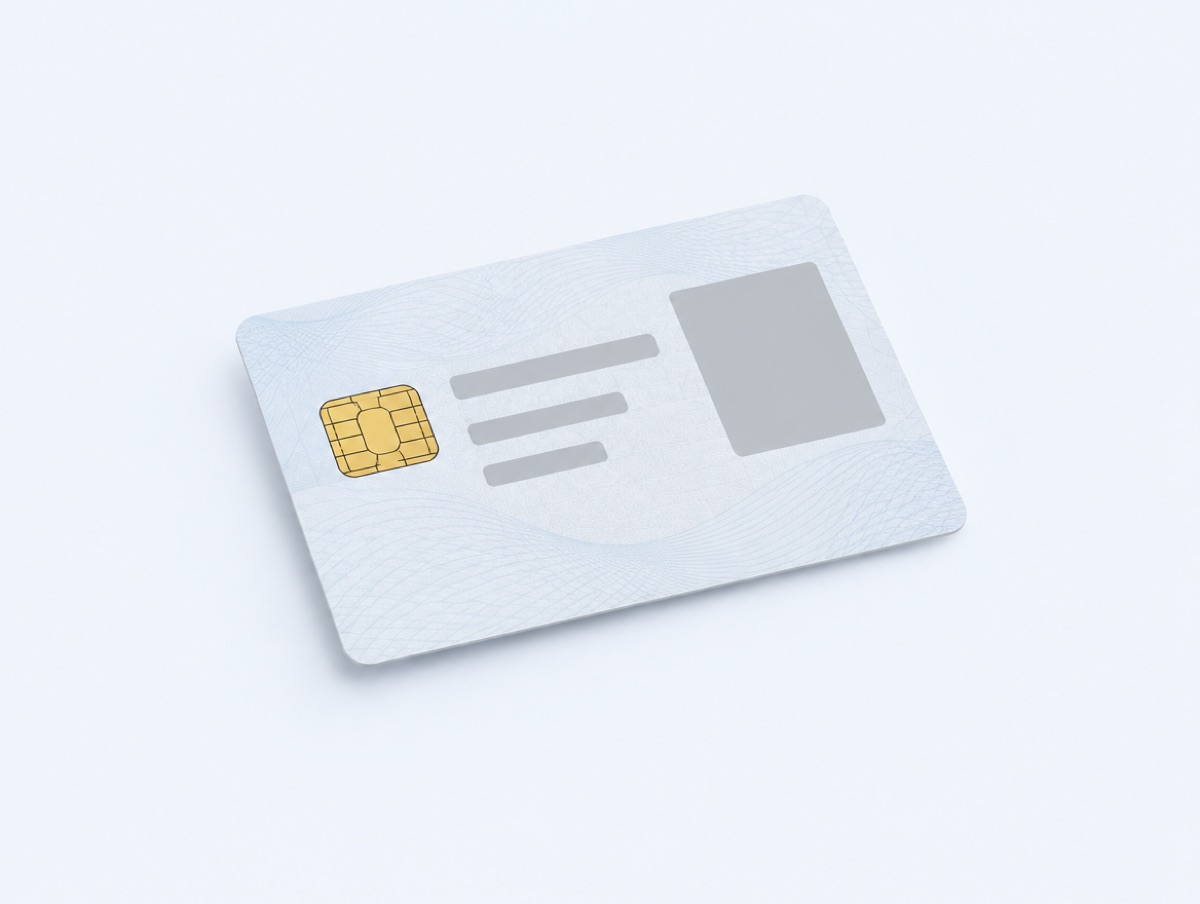
Government ID cards
CAC, PIV-I
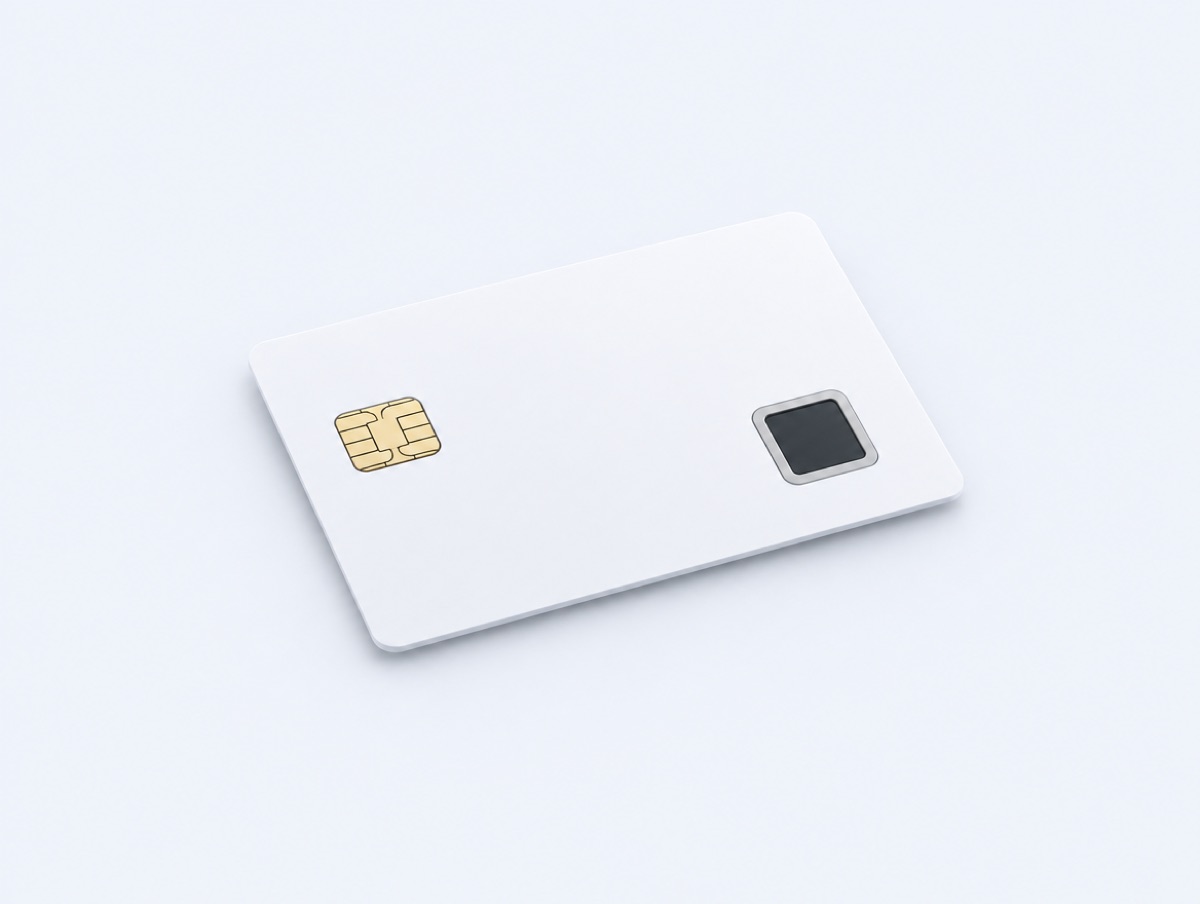
Biometric smart cards
Sentry, IDEX
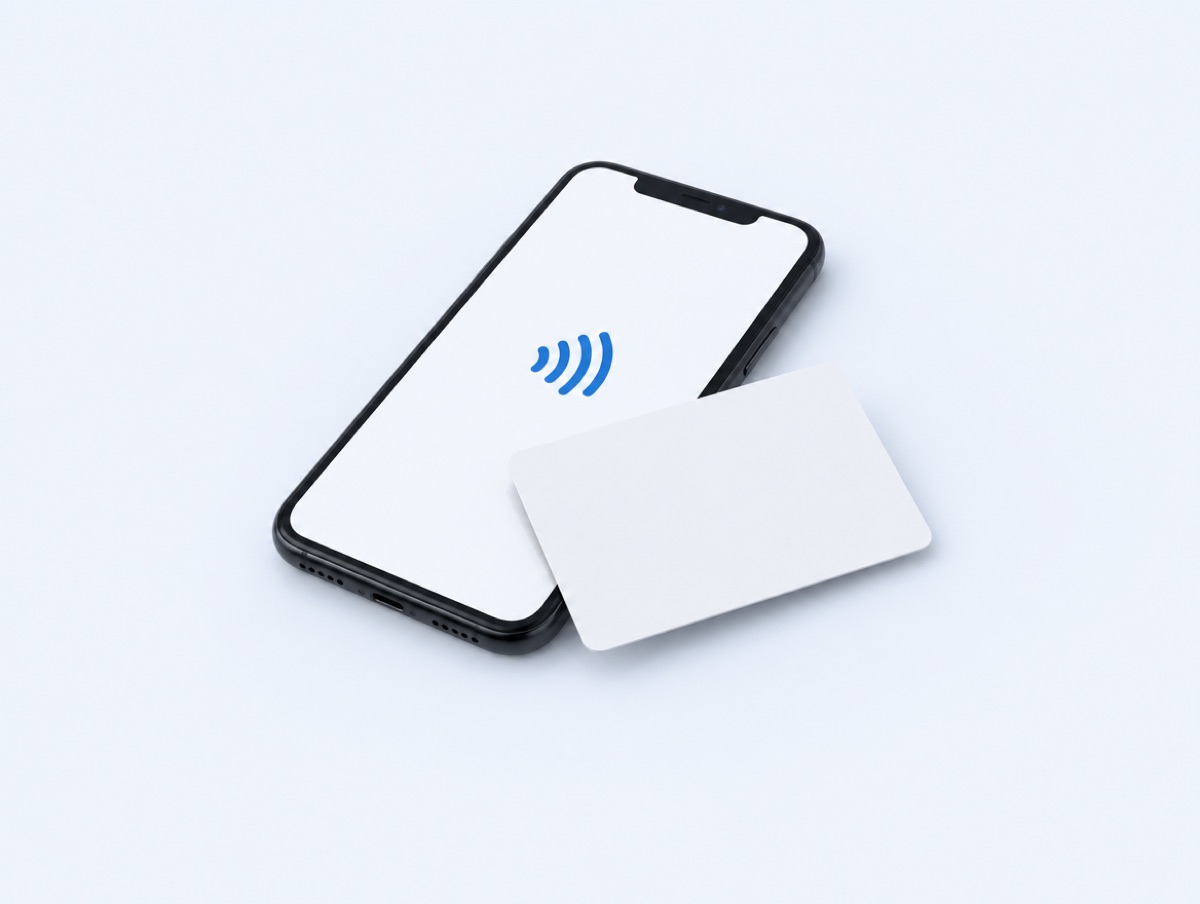
Phone as reader
NFC Android & iOS with Credenti Now
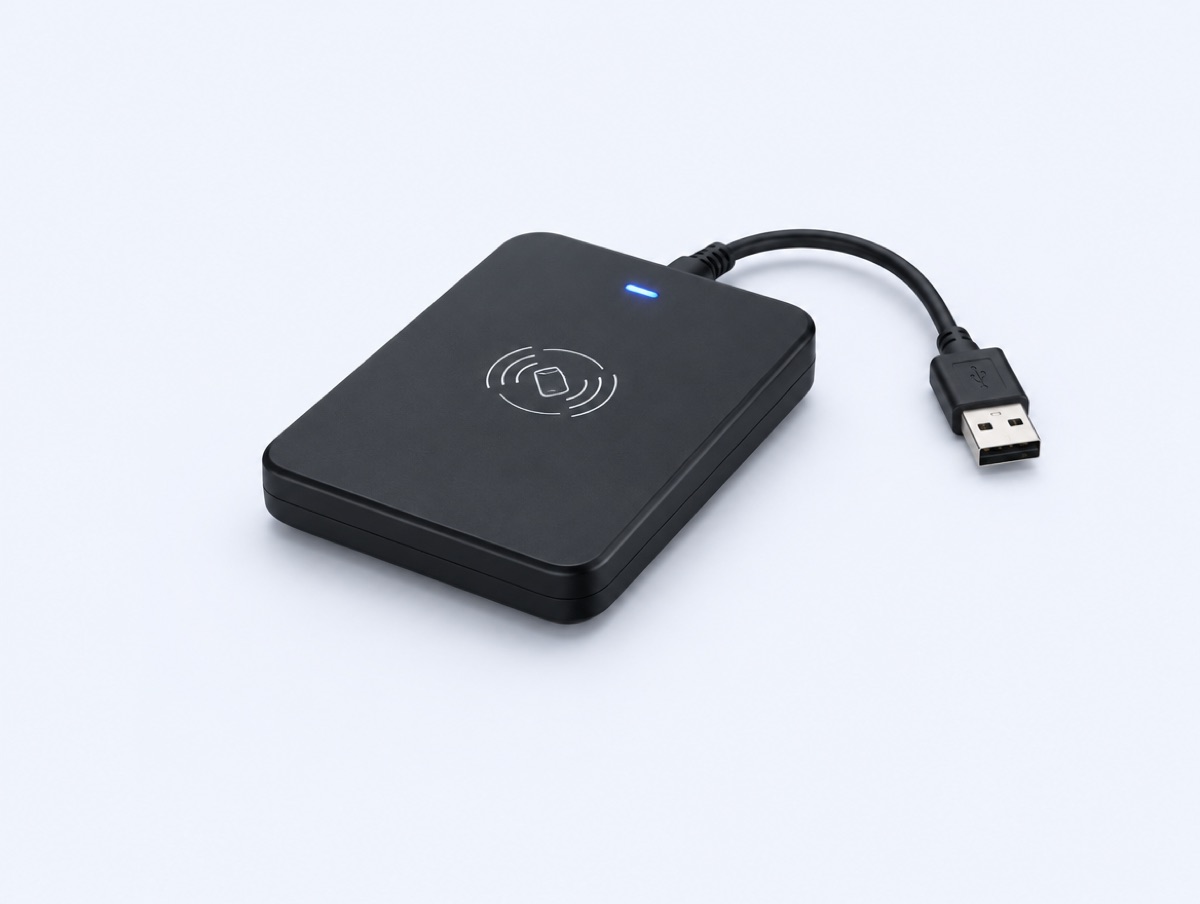
Desktop contactless readers
rfIDEAS WAVE ID, HID OMNIKEY, ACS, Identiv
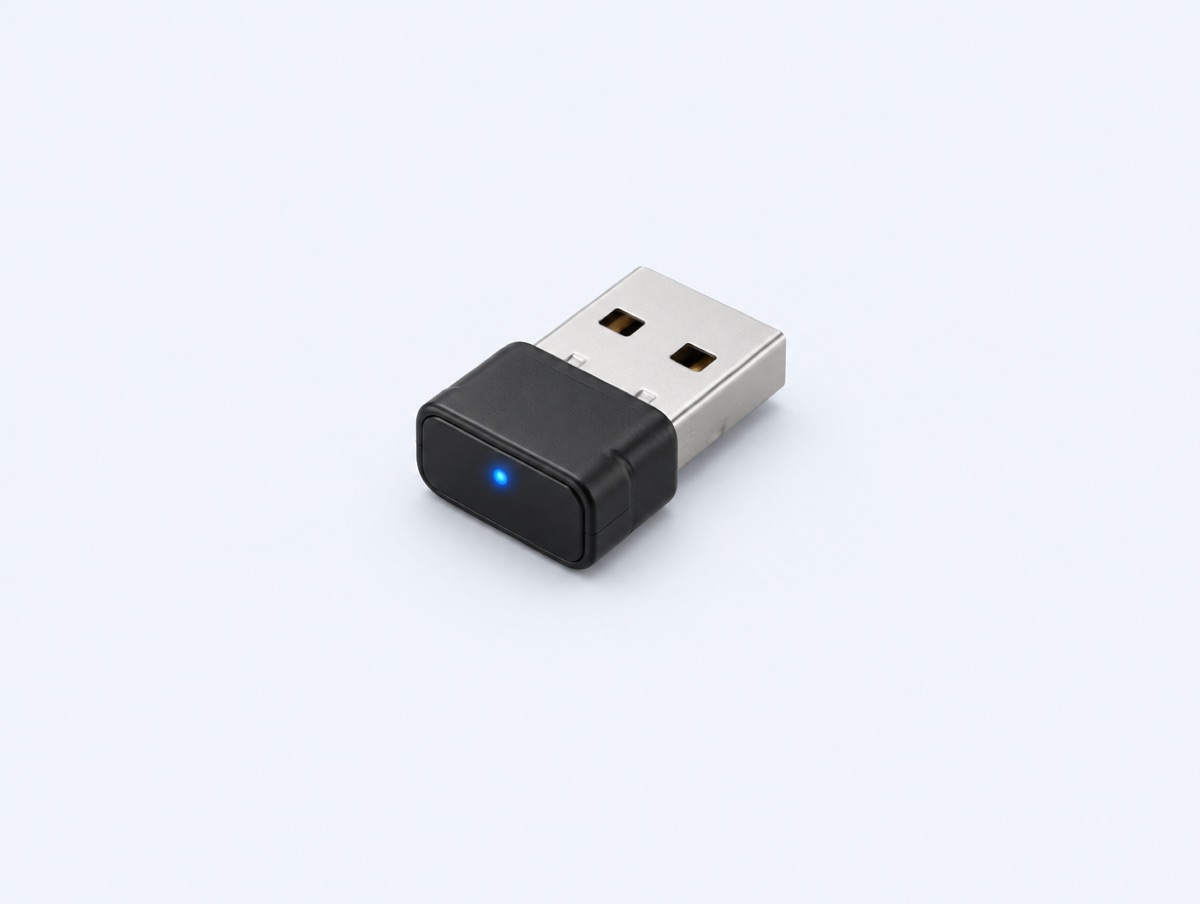
Nano readers
Low-profile USB readers for laptops & kiosks
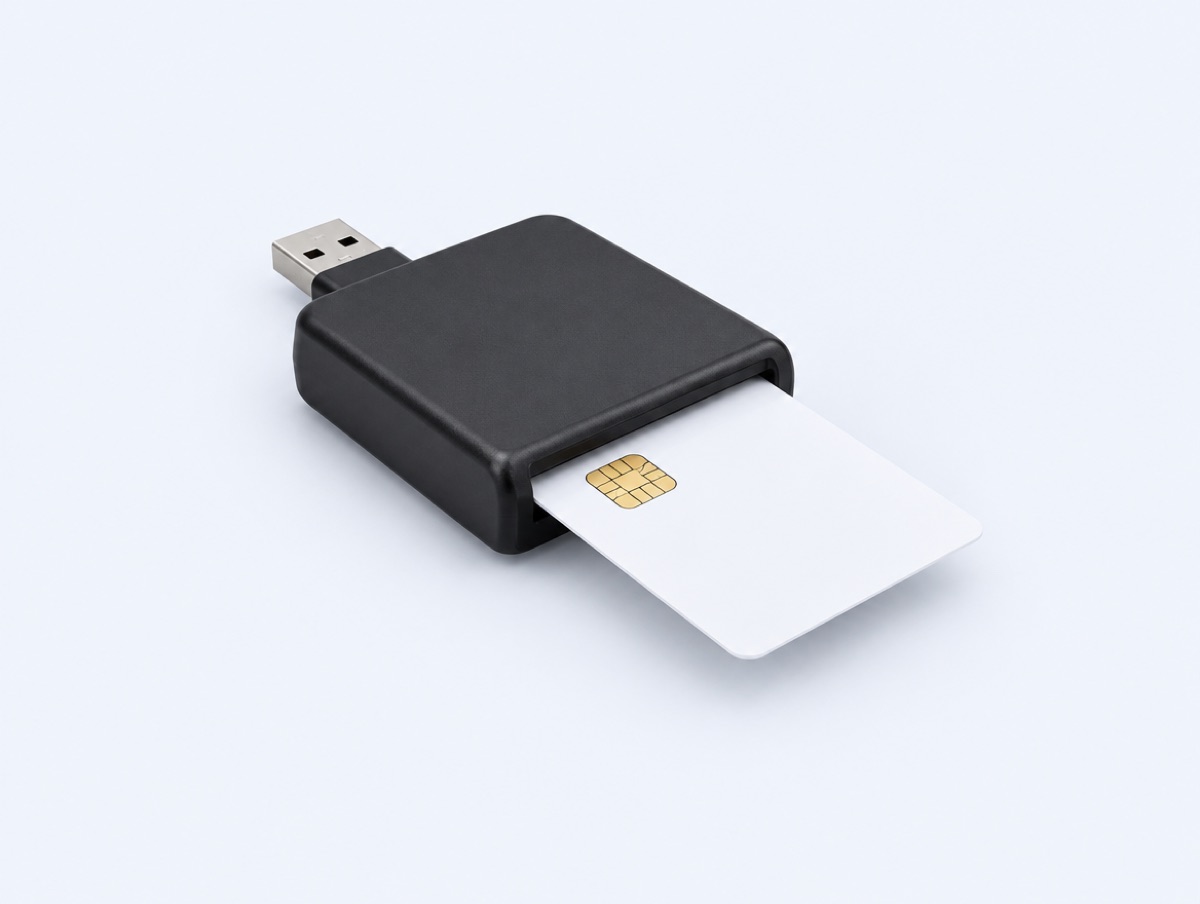
Contact smart card readers
For CAC / PIV-I chip cards
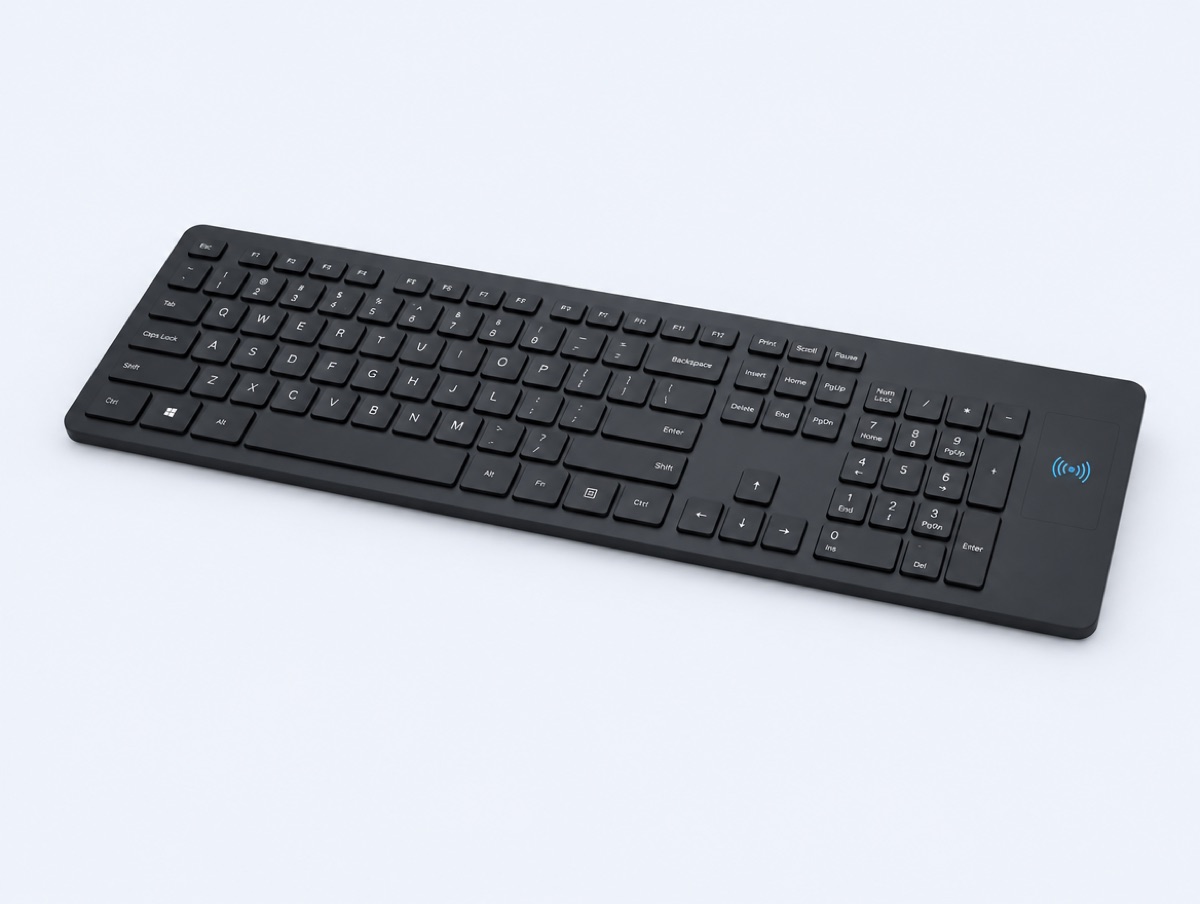
RFID keyboards
KSI keyboard with built-in reader
Proximity badges
HID Prox, AWID, Indala
Contactless smart badges
iCLASS, Seos, MIFARE, DESFire
Government ID cards
CAC, PIV-I
Biometric smart cards
Sentry, IDEX
Phone as reader
NFC Android & iOS with Credenti Now
Desktop contactless readers
rfIDEAS WAVE ID, HID OMNIKEY, ACS, Identiv
Nano readers
Low-profile USB readers for laptops & kiosks
Contact smart card readers
For CAC / PIV-I chip cards
RFID keyboards
KSI keyboard with built-in reader
Find the Right Integration for Your PACS
Start with the badge infrastructure you already operate. Credenti can assess the appropriate integration approach based on your platform and the lifecycle information available.
Check Your PACS Compatibility →The assessment covers:

Your PACS or credential-management product and version.
Existing Active Directory synchronization.
Supported database access and provisioning options.
Employee identity and badge-identifier mappings.
Lost, replacement, and temporary-badge handling.
Termination events and enrollment-removal requirements.
Badge, reader, and workstation compatibility.
Frequently Asked Questions
Can employees use their badges for computer login on Day 1?
Yes, with a supported deployment configured to complete identity provisioning, badge synchronization, and enrollment before the employee needs access. Credenti automatically associates the compatible badge with the employee once the required information reaches the platform.
Is badge login activated immediately when a badge is issued?
Badge login can be activated automatically for eligible users once the configured integration communicates the badge assignment and Credenti processes the enrollment. Synchronization timing is established during deployment to meet your onboarding requirements.
Credenti’s enrollment controls let you enable badge-based computer access for a selected subset of users. Issuing a physical-access badge does not automatically grant computer login to every badge holder—your organization determines which users are eligible.
Can we use the same badge for building entry and computer login?
Yes, when the badge and workstation reader are compatible with the selected Credenti authentication workflow. Physical-access and computer-access permissions remain separately governed.
Do we need to store badge information in Active Directory?
No. A designated AD attribute is one integration option. A supported database-to-SCIM provisioning workflow can also supply the required identity and badge information to Credenti.
How does a PACS database connect to Credenti?
A database integration or provisioning layer reads the relevant PACS records, maps them to the required attributes, and sends supported updates through Credenti’s native SCIM interface. SCIM provides the provisioning interface; it does not query the database itself.
Can we enable badge login without integrating our physical access system?
Yes. Credenti supports self-service badge enrollment. Users authenticate with their supported identity provider or Active Directory to verify their identity, then enroll a compatible badge for computer login. Enrollment controls let you make this available to selected users.
When a user is disabled in the connected AD or identity provider, Credenti automatically revokes their badge enrollment, preventing further badge login once the account-status change takes effect in the deployment. Physical building access remains managed separately by your PACS.
Can Credenti support a policy requiring a building-entry badge tap before computer login?
Credenti provides the policy framework to support this control through a tailored PACS integration. An implementation could require an individual’s recorded badge-entry event before allowing computer login, helping discourage tailgating by reinforcing individual badging at entry.
This requires deployment-specific integration design and validation; it is not a standard, ready-to-enable feature.
Discuss Your Entry-Based Access Policy — talk to our team about your PACS environment and the policy you want to enforce.
What happens if an employee loses a badge?
The lost-badge workflow blocks the affected credential for computer authentication. A replacement or temporary badge can then be associated with the employee through the supported process. Physical security handles the corresponding building-access changes.
Can Credenti handle temporary badges?
Yes. Credenti supports temporary-badge enrollment and removal. Your deployment defines how temporary credentials are assigned, how their use ends, and how the previous association is removed before reassignment.
What happens when an employee is terminated?
Credenti can automatically remove badge enrollment when the configured offboarding workflow communicates the termination event. The broader process should also address enterprise accounts, active sessions, and physical access.
Do we need proprietary Credenti badges or readers?
No. Credenti does not require proprietary Credenti authentication hardware. Compatible badges and readers can be purchased through your preferred reseller or hardware provider, and Credenti can recommend suitable options.
Make Day 1 Badge Access Part of Your Onboarding Process
Connect employee provisioning, badge issuance, and computer authentication into a coordinated workflow. Reduce manual enrollment and keep badge access aligned from the first day through offboarding.


