Securing Clinical Workstations with Touchless Login
Passwordless login for shared Windows workstations and Microsoft RDS virtual desktop
Overview
This case study highlights how a California-based academic medical center eliminated login delays and credential fatigue by deploying badge-based passwordless access across shared clinical workstations. Using RFID cards and Microsoft RDS, clinicians gained secure, fast access to virtual desktops — without relying on personal devices, passwords, or tokens.
The Challenge
- Repeated password entry on shared workstations slowed down care delivery and introduced risk of error or lockouts during urgent scenarios.
- Personal device usage was prohibited due to HIPAA and infection control policies.
- Access methods varied across departments, leading to confusion and inefficiencies.
- Some clinical zones lacked stable Wi-Fi, causing delays with cloud-only MFA tools.
The Solution: Badge Tap + Virtual Desktop Access
Credenti enabled fast, passwordless login using Prox cards — just tap and go. No phones. No tokens. No passwords.
Tap-In, Tap-Out, Tap-Over
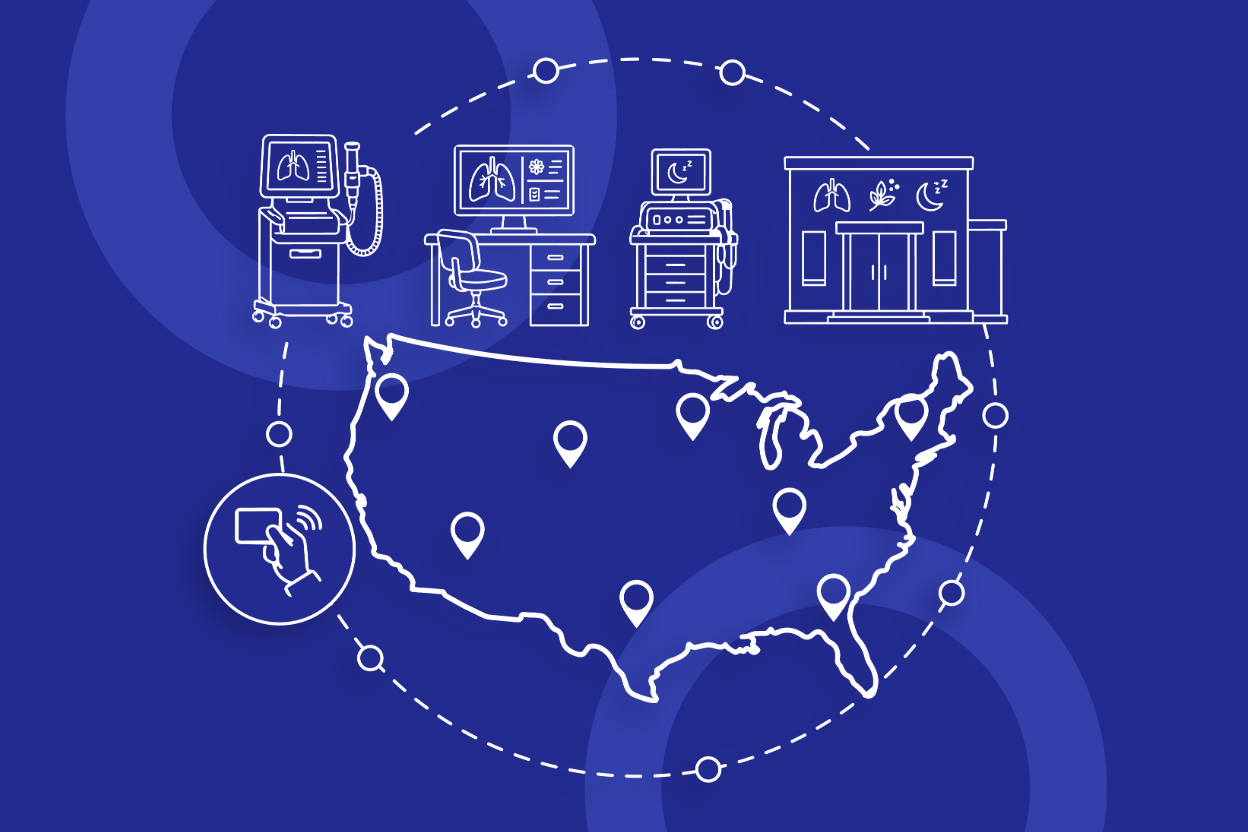
With Credenti Tap, clinicians simply tapped their RFID badge to access any shared Windows workstation — no username or password required. Once enrolled, their badge could be used on any authorized device without additional setup. This enabled seamless workstation switching throughout the facility, fully aligned with shared-use and infection control policies.
Microsoft RDS for Shared Workstations
The clinical applications were hosted in Microsoft RDS, enabling session-based virtualization for multiple users. Clinicians accessed their personalized RDS environment simply by tapping their badge on a shared Windows workstation in kiosk mode.
✔ This setup allowed nurses and doctors to securely launch and close their applications in high-traffic areas like exam rooms and nurse stations — without entering passwords.
Results
- 72% faster workstation access led to smoother shift changes and faster patient documentation.
- Zero helpdesk tickets related to forgotten passwords.
- HIPAA-aligned authentication with no personal device requirement.
- Clinician satisfaction increased due to frictionless access across shifts.
Frequently Asked Questions
Do clinicians need to carry phones for login?
No. The solution supports passwordless login with just the Prox badge — ideal for phone-restricted environments.
Is this compatible with Microsoft RDS and kiosk workstations?
Yes. The setup works seamlessly with Microsoft RDS for virtual desktop access on shared kiosk-mode devices.
What happens if the workstation is offline?
Credenti supports offline authentication, allowing clinicians to tap their badge and log in even without internet access.
Which badge types are supported?
HID Prox and iCLASS cards are supported with PC/SC-compliant readers.
Can this work with exam room computers used by multiple staff?
Yes. The solution is purpose-built for shared workstation environments like exam rooms and nurse stations — allowing multiple clinicians to securely access their apps with just a badge tap.