Passwordless Access for Shared Clinical Workstations

How healthcare organizations using Rippling can extend their identity architecture with Okta and Credenti to deliver passwordless MFA on shared Microsoft devices using badge tap, face, or fingerprint biometrics—without mobile phones or on‑prem Active Directory (AD).

Executive Summary

Healthcare organizations depend on shared clinical workstations used by nurses, technicians, clinicians, and administrative staff throughout the day. These environments require fast and repeatable access, but they also need stronger authentication, better auditability, and less reliance on passwords.

Many organizations discover that traditional authentication approaches do not fit real-world clinical workflows. Password entry slows users down, mobile MFA is often impractical or prohibited, and shared device usage can undermine identity attribution if access is tied to generic or kiosk-style accounts.

This white paper outlines a modern deployment model in which Rippling serves as the workforce and device administration environment, Okta serves as the strategic authentication and policy layer, and Credenti delivers the passwordless login experience using badge tap, face, or fingerprint biometrics for shared Microsoft devices.

Outcome: A healthcare-ready authentication model that enables passwordless MFA, supports no-phone environments, strengthens user attribution on shared workstations, and aligns with the prospect’s preference to avoid introducing on‑prem Active Directory (AD).

The Healthcare Workstation Challenge

Shared workstations are common across nursing stations, patient intake desks, medication rooms, labs, and administrative areas. These devices are operationally shared by many clinicians and care team staff, which creates a difficult balance between speed, security, and accountability.

Shared device friction

Traditional sign-in flows require usernames, passwords, and second-factor steps that interrupt care delivery and slow user switching on shared endpoints.

No-phone environments

Clinical settings often restrict or discourage phone-based MFA, making push notifications, OTP apps, and SMS poor fits for frontline staff.

Weak attribution

Generic access models, kiosk patterns, or permanently logged-in machines can reduce friction, but they also weaken accountability and auditability.

Modernization pressure

Organizations modernizing away from legacy MDM or identity platforms want a cleaner future-state architecture without introducing new dependencies they do not want.

Why Okta + Credenti in a Rippling Environment

In this opportunity, the organization is moving identity and device management into Rippling while preferring Okta as the long-term identity security platform. They also want to avoid introducing on‑prem Active Directory (AD) or on-premises Active Directory.

That makes the combined Okta + Credenti approach a strong fit for the prospect’s stated direction.

Rippling

Acts as the workforce and device administration environment aligned to the customer’s operating model.

Okta

Provides the authentication, MFA, and policy control layer, creating room to expand into more Okta services over time.

Credenti

Secures shared Windows devices with passwordless authentication using badge tap, face recognition, or fingerprint biometrics designed for frontline and shared-device scenarios.

Strategic benefits

  • Modernize away from legacy MDM or identity platforms
  • Avoid introducing on‑prem Active Directory (AD) or AD
  • Deliver no-phone MFA
  • Support shared Microsoft devices with multiple users
  • Create a foundation for broader Okta adoption in the future

Target Deployment Model

Identity and lifecycle

Rippling manages worker identities and device administration as part of the customer’s target workforce operating model.

Authentication and MFA policy

Okta becomes the strategic identity security layer for authentication, policy enforcement, and future expansion into additional Okta capabilities.

Shared workstation authentication

Credenti provides the workstation-side authentication experience for shared Windows devices, using badge tap instead of passwords or phone prompts.

End-user experience

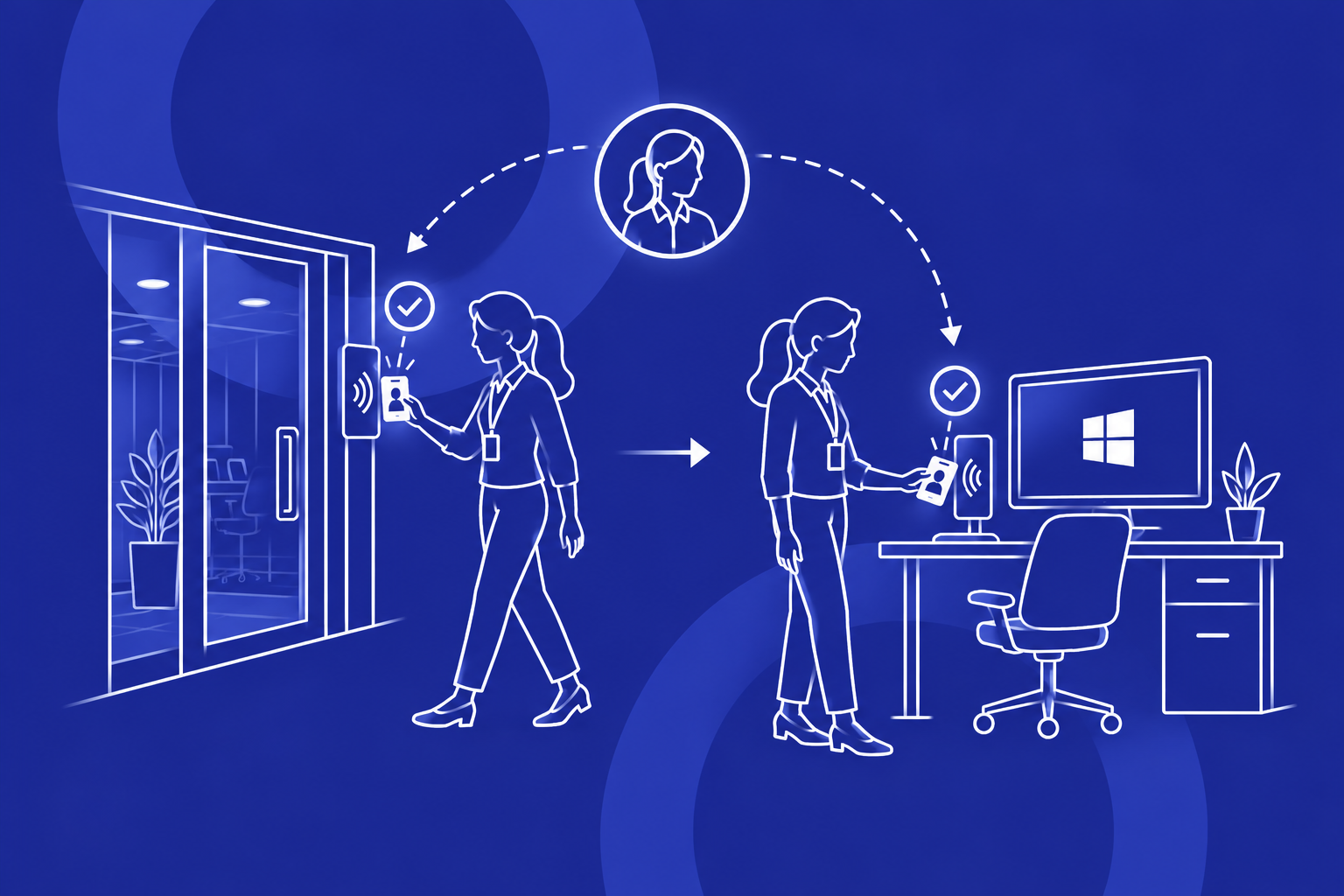
Clinicians approach a shared workstation, tap their badge, satisfy the configured flow, and get a fast passwordless experience tied to their individual identity.

Architecture at a Glance

Diagram 1 — High-Level Architecture

+--------------------+        +--------------------+        +------------------------------+|     Rippling       |        |       Okta         |        |         Credenti         || Identity Source /  | -----> | Authentication /   | <----> | Shared Workstation Auth      || Workforce Admin    |        | MFA / Policy Layer |        | Layer for Windows Devices    |+--------------------+        +--------------------+        +------------------------------+                                                                  |                                                                  v                                                     +----------------------------------+                                                     | Shared Microsoft Workstations     |                                                     | Multiple Users / Local Profiles   |                                                     | No Phones Required for MFA        |                                                     +----------------------------------+

Diagram 2 — Passwordless Tap Login Flow

Clinician taps badge     |     vCredenti reads credential     |     vIdentity mapped to user account     |     vOkta evaluates authentication / MFA policy     |     vCredenti completes secure workstation sign-in     |     vClinician accesses Windows session with identity attribution

Diagram 3 — Shared Device User Switching Concept

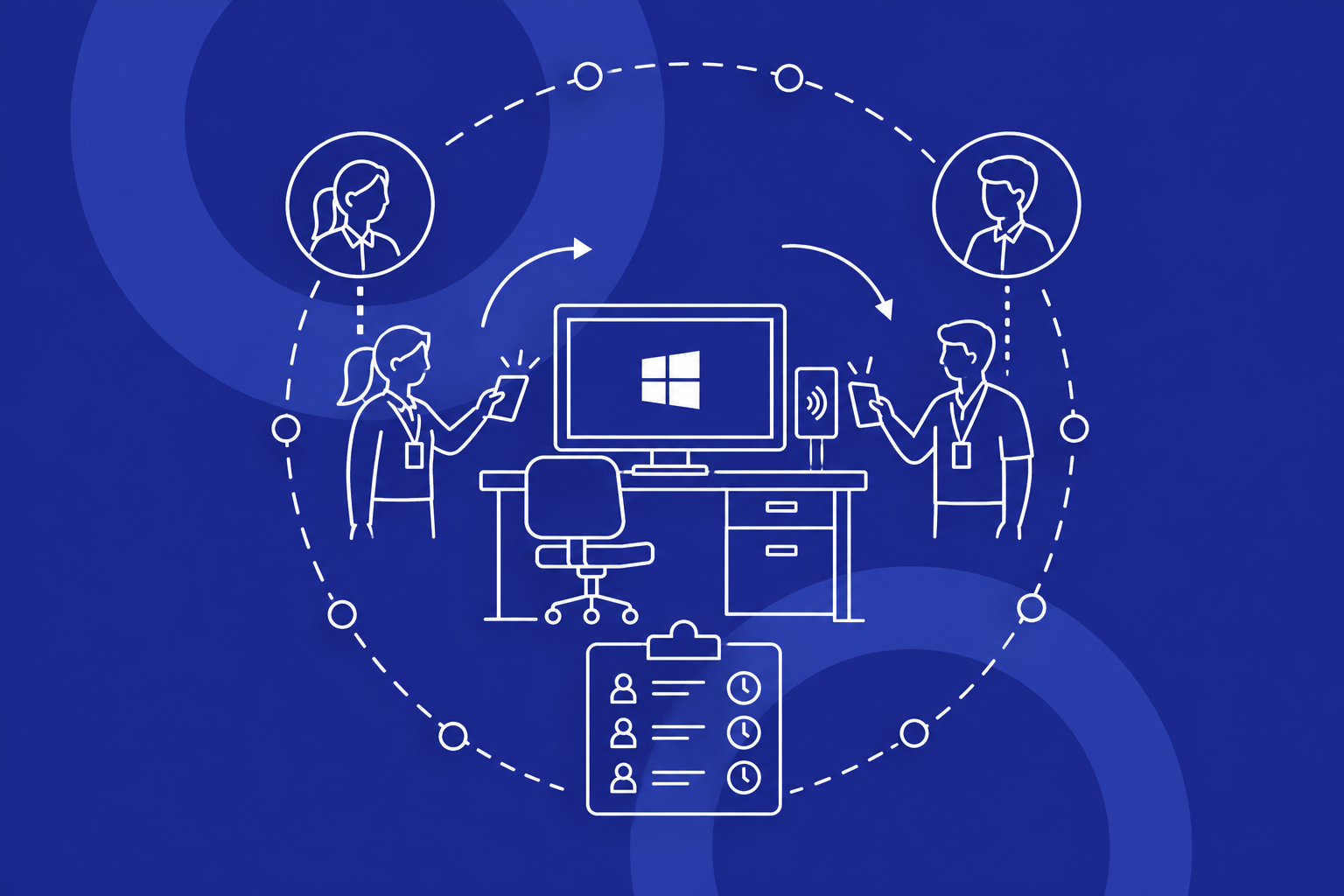
Shared Clinical Device ├─ Clinician A taps badge -> Authenticated into authorized session/profile ├─ Clinician B taps badge -> Separate authenticated access path └─ All access events tied to named identities for auditability

Passwordless Authentication Workflow

1. Clinician identity exists in the target workforce environment

The clinician’s identity is managed in Rippling as part of the customer’s modernized workforce and device strategy.

2. Authentication and access policy are enforced by Okta

Okta defines the authentication requirements, MFA posture, and policy controls associated with workstation access.

3. Badge credential is enrolled for workstation access

The user is associated with an approved credential supported by Credenti such as a badge tap, face recognition, or fingerprint biometric.

4. Clinician approaches a shared Microsoft device

Instead of entering a password or using a mobile phone for MFA, the user taps their badge at the workstation.

5. Credenti and Okta complete the authentication flow

Credenti validates the credential and works with Okta as the identity security layer to satisfy the configured authentication requirements.

6. Clinician receives a passwordless workstation experience

The clinician gains fast access to the workstation while the session remains attributable to that specific individual.

Managing Local Profiles on Shared Microsoft Devices

A key requirement in this opportunity is the ability to support multiple clinicians and care team staff on shared Microsoft devices, including the realities of local profiles and local authentication behavior at the endpoint.

Credenti is well suited for this scenario because it secures access at the workstation layer without forcing the organization to redesign how users operate on the device.

  • Enable multiple authorized users on a shared device
  • Improve authentication into local or workstation-managed user contexts
  • Preserve rapid access on shared endpoints
  • Reduce reliance on passwords for workstation sign-in
  • Improve user attribution on devices that are operationally shared

Why it matters in healthcare: Workstations are operational tools first. Security controls only succeed when they preserve the speed and simplicity clinicians need.

Security, Compliance, and Operational Benefits

Passwordless MFA without mobile phones

Credenti supports passwordless authentication using badge tap, face recognition, or fingerprint biometrics, making it ideal for environments where personal phones cannot be used for authentication.

Stronger identity attribution

Each sign-in event is tied to a named clinician or staff member rather than a generic shared access pattern.

Better fit for clinical workflows

Badge tap authentication is faster and more natural for frontline staff than password entry plus phone-based MFA.

Reduced password exposure

By minimizing password use on shared workstations, the organization can lower credential risk at the endpoint.

Strategic alignment with Okta

The architecture supports the customer’s preference to standardize on Okta and expand into other Okta products over time.

Stronger healthcare security posture

The model supports unique user identification, stronger authentication, and more defensible audit trails on shared devices.

Deployment Approach

Phase 1 — Solution design

Confirm workflows, authentication journeys, badge technologies, reader requirements, and platform roles.

Phase 2 — Identity and policy integration

Define identity flow into Okta, configure MFA and authentication policies, and align groups and enrollment paths.

Phase 3 — Endpoint deployment

Install Credenti on shared Microsoft devices and validate local profile handling and performance.

Phase 4 — Credential enrollment and pilot

Enroll pilot users, validate badge tap workflows, and confirm auditability and operational acceptance.

Phase 5 — Broader rollout

Expand to more departments and evaluate additional Okta capabilities as part of the long-term roadmap.

Why This Approach Fits Healthcare

Healthcare organizations need authentication that is secure, fast, and realistic for frontline environments. A solution designed around office workers using personal phones does not translate cleanly to shared clinical devices.

  • Modernize beyond legacy MDM or identity platforms
  • Align with a strategic preference for Okta
  • Avoid adding on‑prem Active Directory (AD) or Active Directory
  • Support no-phone MFA environments
  • Secure shared Microsoft devices used by many workers
  • Deliver a passwordless end-user experience
  • Improve auditability where individual identity matters

When combined with Rippling as the workforce and device administration environment, this creates a pragmatic architecture that matches the prospect’s stated direction.

Conclusion

For healthcare organizations operating shared Microsoft workstations, the challenge is not simply adding MFA. The challenge is delivering fast, attributable, passwordless authentication in environments where phones are restricted, multiple users share devices, and the organization wants to avoid unnecessary Microsoft identity infrastructure.

By combining Rippling, Okta, and Credenti, the prospect can pursue a modern authentication strategy that replaces weak shared-device login models with a more secure, healthcare-ready experience.

Credenti helps translate Okta policy into a practical workstation authentication experience for shared devices, enabling passwordless badge-based MFA without disrupting frontline workflows.

Modernize Shared Healthcare Workstation Access

Explore how Credenti and Okta can deliver passwordless MFA for shared Microsoft devices without phones, on‑prem Active Directory (AD), or Active Directory.